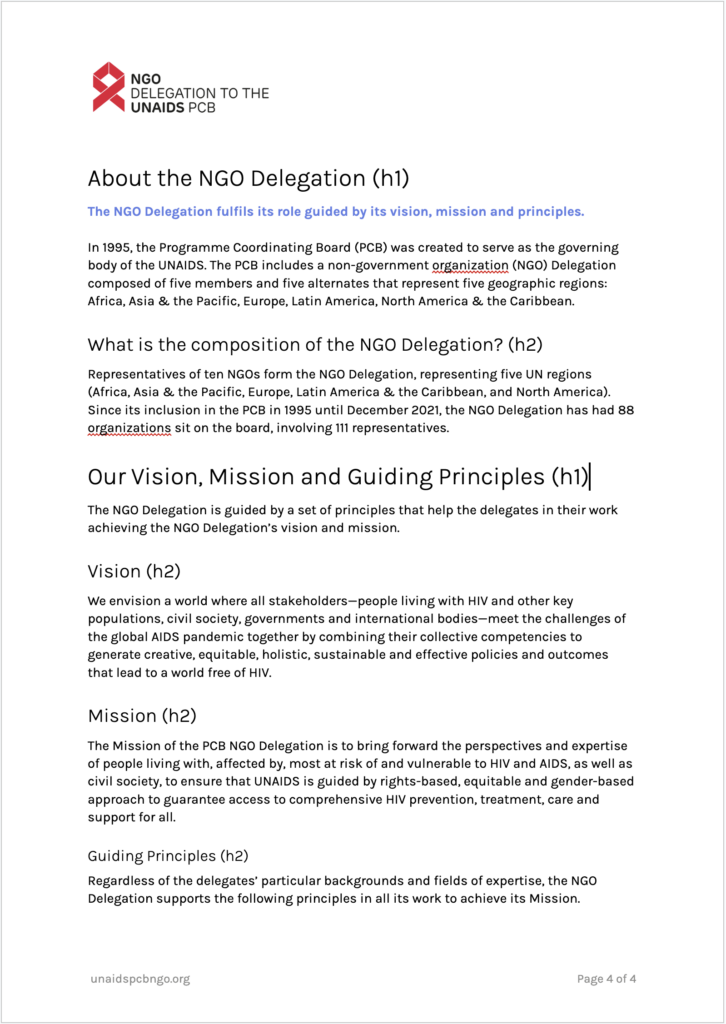
You can find the Document template in Google Workspace. First open the template and then from the ‘Files’ menu select ‘Make a copy’. Give the document the correct name.
After you have created a copy change all instances of [TK … ]. We use TK for text place holders because ‘tk’ appears in very few words in the English language. Search the document for ‘tk’ to make sure you havent missed a text place holder.
Follow these instructions to make a copy of the template:
Example pages